Read values without opening your phone
The clock retrieves available readings from your supported sock through your Owlet account. Sleep and battery status appear when available. Keep using the Owlet app and Base Station.

Heart rate & oxygen at a glance.
Owlanzi displays available heart rate, oxygen saturation and status from your supported Owlet sock on a Ulanzi TC001 or TC002. Free, independent software for your clock. A quiet glance without opening your phone.
Choose TC001 or TC002 → follow your guide → set up Owlet
Free for everyone. No subscription. No extra server.
TC001: USB browser installer. TC002: desktop installer for Windows, Mac and Linux over your home network.
An extra display, not a medical device. Owlet cloud access is required.
An add-on for everyday life
Want to see heart rate and oxygen saturation without repeatedly opening the app? Owlanzi turns a Ulanzi TC001 or TC002 into an external Owlet display for your bedside table or desk.
The clock retrieves available readings from your supported sock through your Owlet account. Sleep and battery status appear when available. Keep using the Owlet app and Base Station.
You need a Ulanzi TC001 or TC002, a sock already set up with its Base Station, an Owlet account and Wi-Fi with internet. No Home Assistant, Raspberry Pi or MQTT is required.
Owlanzi software for both clocks costs nothing and has no subscription. Owlet and Ulanzi hardware are purchased separately. Choose your clock during installation and follow its guide: TC001 over USB, TC002 through the desktop installer on your home network.
Looking for an Owlet monitor with a camera feed? Owlanzi displays sock readings and status, not video or audio. It is an independent add-on, not a medical device. Check your model and region →
Before you plug it in
Choose TC001 or TC002, then try a display state. Compare how both clocks show the same example readings.
Ready? Install Owlanzi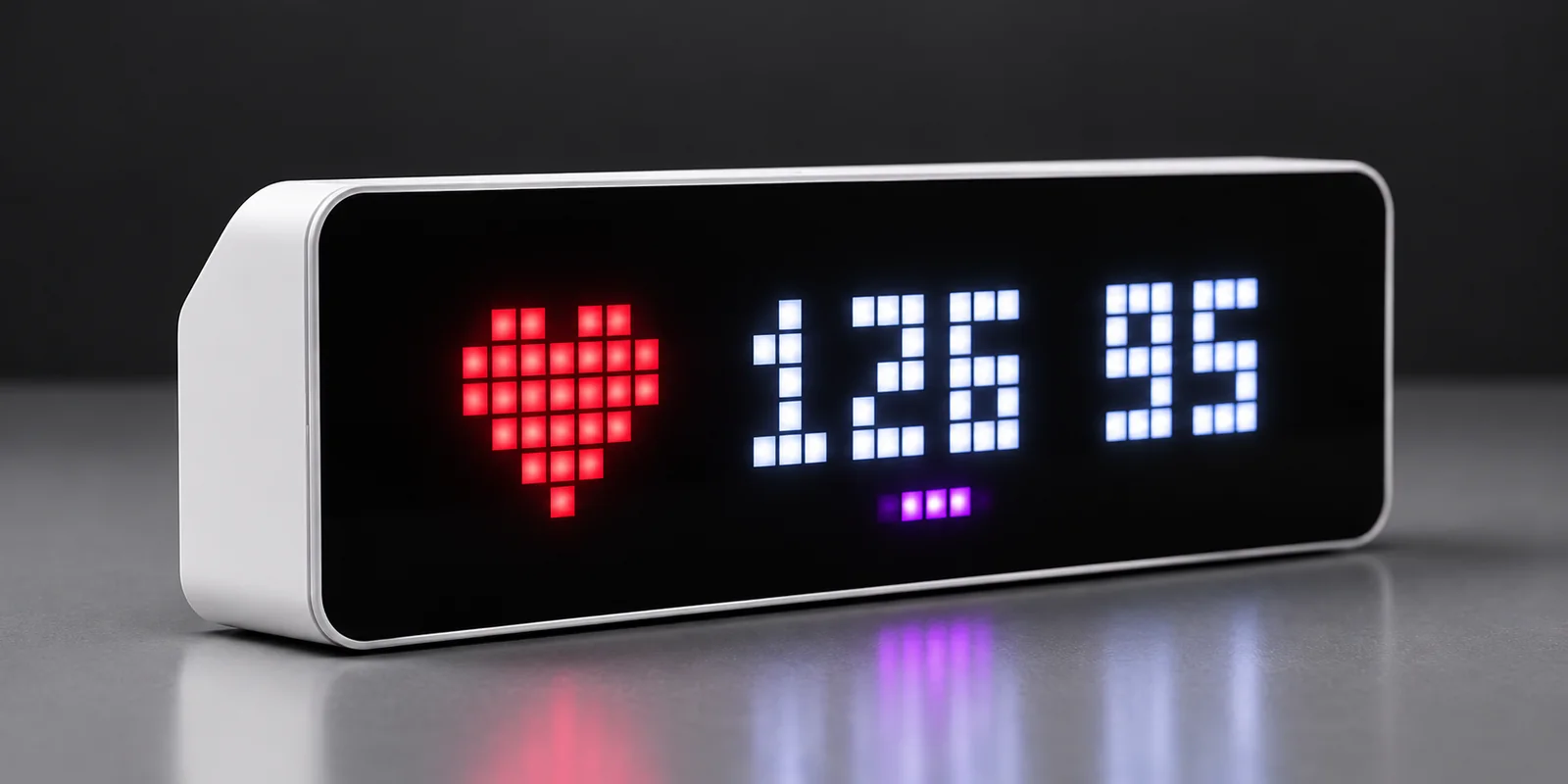
Enable JavaScript to try different display states.
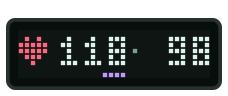
118 bpm · 98% SpO₂ · short purple sleep bar.
An example of the deep-sleep display. Sleep-state mapping depends on the model and available cloud data.
Example data, not reference ranges. Brighter colours for easier viewing. No connection to your sock or clock.
TC001 vs. TC002 · with Owlanzi
The same vital signs. Two ways to display them. Choose what matters most to you.
| Your everyday setup | TC001 with OwlanziSmall & straightforwardFor a simple start and a discreet display. | TC002 with OwlanziMore display & controlFor a bigger display, the time and a brightness knob. |
|---|---|---|
| Display & size | Compact & minimalist32 × 8 pixels. Small, tidy and focused on your readings. | Larger & more spacious52 × 16 pixels. More room for readings and extra information. |
| Time alongside readings | Focus on vital signsNo extra clock alongside the readings. | Time includedShows the time alongside your vital signs. |
| Adjust brightness | In the web interfaceAdjust it from your phone or computer. | Just turn the knobAdjust directly on the clock, or in the web interface. |
| Install Owlanzi | Very easy · one-click USBUSB data cable, Chrome or Edge, then start installation right here. | More steps · desktop installerConnect the clock to Wi-Fi, then use the native Windows, Mac or Linux app. Guided step by step. |
| Hardware price | The more affordable optionA good fit for a smaller budget. | Higher priceMore display space and the convenience of a rotary control. |
| Availability | Varies by retailerCompare stock and delivery times in the shops. | Readily availableAvailable from Ulanzi; shop links are listed below. |
Both clocks get your vital signs through your Owlet account.
A configurable 5-second polling interval. New readings depend on what Owlet provides.
On both clocks, set your own thresholds for heart rate and oxygen saturation.
Hardware prices and availability vary by country and retailer. Check current offers in the shops.
Shop links for Germany, the USA and the UK. Marked affiliate links support Owlanzi.
One project. Two clocks.
Choose your model. We’ll take you to the right software and guide. Check the model name on the label underneath your clock.
TC001 · FIRMWARE 1.0.12
The compact 32 × 8 pixel clock. Install directly in Chrome or Edge on your computer using a USB data cable.
TC002 · APP 0.3.2
The larger 52 × 16 pixel clock with a rotary control. A desktop app for Windows, Mac and Linux guides setup over your home network.
Both versions are free and query Owlet directly. Switch between the 32 × 8 TC001 and the 52 × 16 TC002 in the preview above.
01 / From preview to your real display
Connect your Ulanzi TC001 with a USB data cable, choose its port and confirm the installation. No terminal, no development tools, no manual firmware download.
Follow the step-by-step guideUlanzi TC001 · USB-C data cable · computer with Web Serial · 2.4 GHz Wi-Fi · Owlet account with a supported sock
Check compatibility
Start the USB installer with one click.
Use a data cable. If needed, hold the middle button while plugging it in.
Choose your clock’s USB port and confirm the installation in the assistant.
Connect to the “owlanzi” Wi-Fi network and enter your Wi-Fi and Owlet account details.
Checking browser support …
Installation replaces your clock’s current firmware and erases its settings, including any existing AWTRIX installation.
02 / Your hardware
Already have a sock and a clock? You’re all set. If something’s missing, start here.
Suggested from your browser language. Choose your country to see the matching shops.
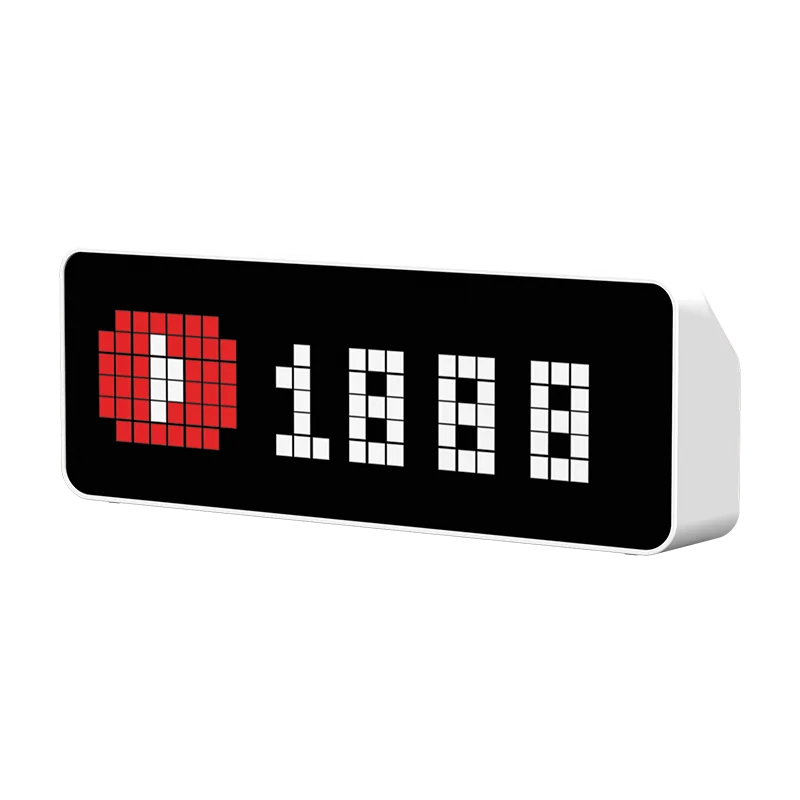
For the pixels
The compact clock with 32 × 8 pixels. Install Owlanzi using the USB installer, then finish setup on your phone.
Choose the TC001 model. You’ll also need a USB-C data cable for installation.
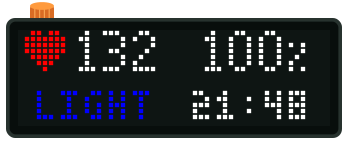
More space for the display
The larger clock with 52 × 16 pixels and a rotary brightness control. Set up Owlanzi over your home network with the Windows, Mac or Linux installer.
Choose the TC002 model. The desktop installer guides you through finding the clock, installation and Owlet setup.
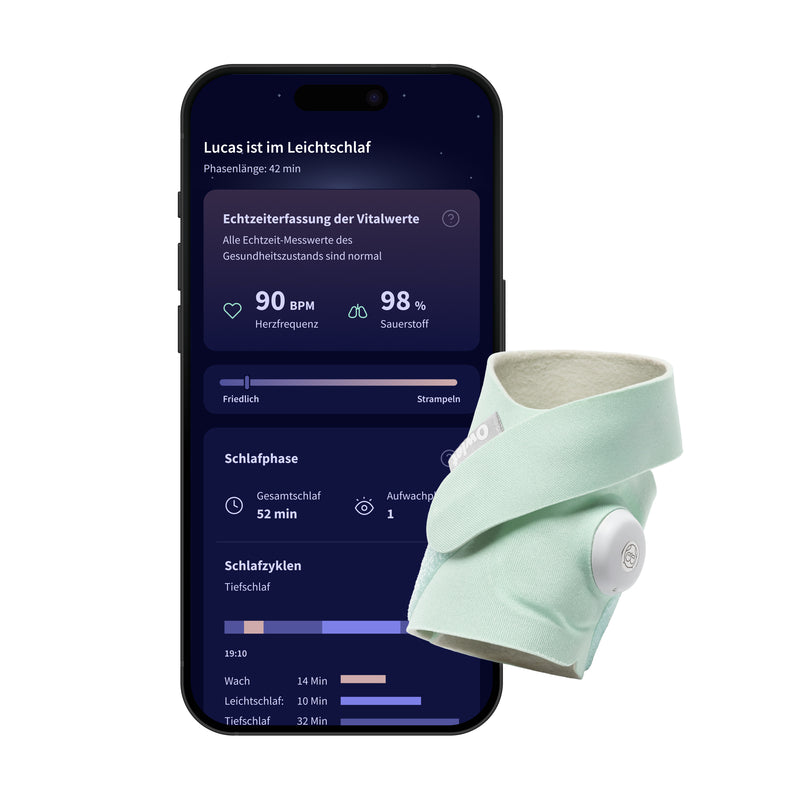
For the readings
Your sock, base station and Owlet account provide the readings. Explore the models in the Owlet shop for your country.
Dream Sock has been successfully tested by the developer in Europe. Check the documented status for other models and account regions before buying.
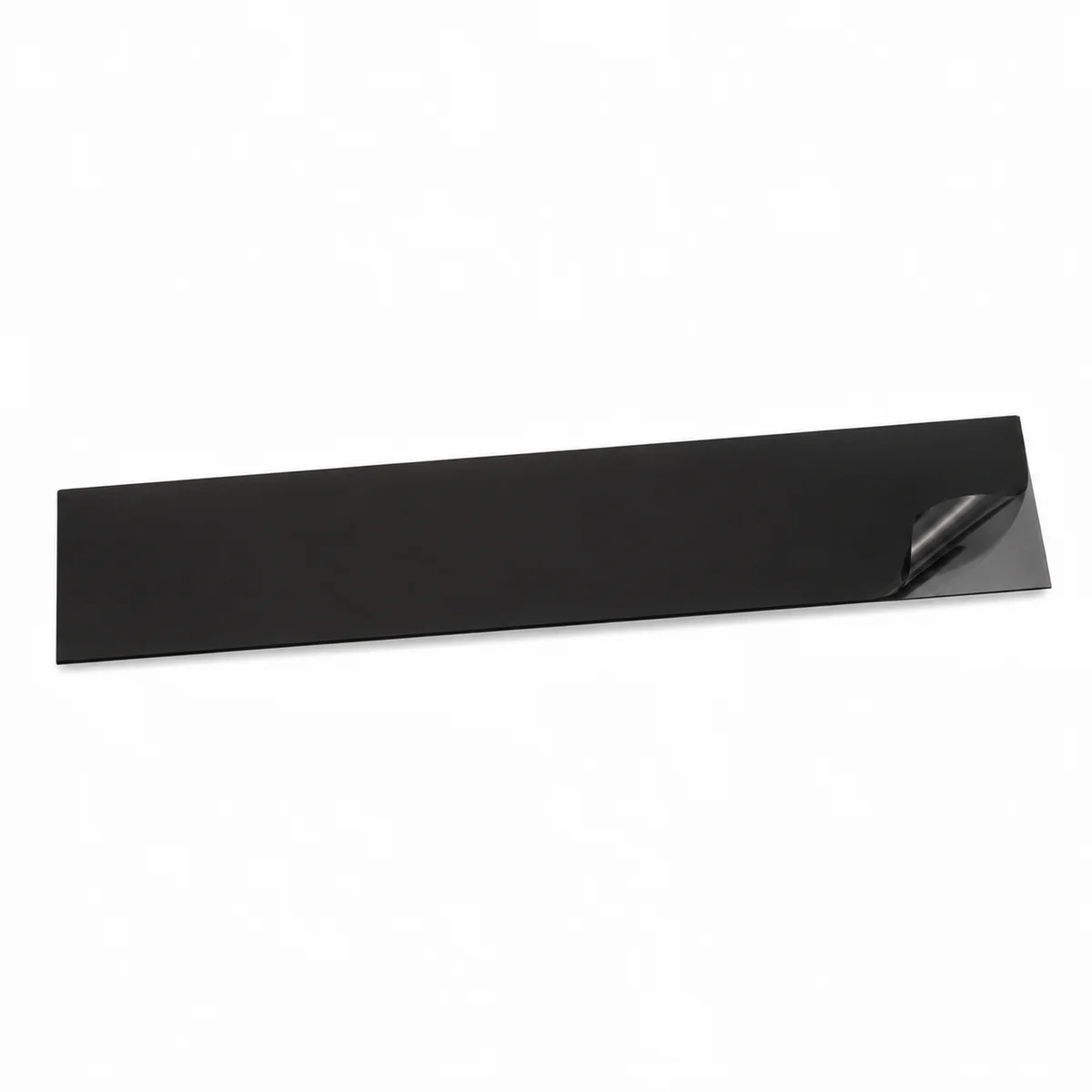
Optional extra
For a softer display at night. A dimming film is an optional addition to the clock’s brightness settings.
Look for film intended for illuminated displays. Check its dimensions, light transmission and whether it can be cut to fit.
Hardware is purchased separately. Owlanzi software stays free for everyone.
A purchase through a marked affiliate link earns me a commission and supports Owlanzi. Thank you! Using these links or a partner code is entirely optional.
03 / How it works
Owlanzi runs directly on your clock.
No separate server needed.
Your sock and base station make the available readings accessible through your Owlet account.
02Owlanzi runs as firmware on TC001 or as an app on TC002, fetches the readings from the Owlet cloud and prepares them for the display.
Heart rate, oxygen saturation and available status appear on your TC001 or TC002.
Software on your clock, connected to the Owlet cloud. Internet and Owlet services remain necessary. More about the data flow
04 / At home in your everyday life
On your bedside table. In a dim room.
Set up just the way you like it.
Readings where a quick glance lands.
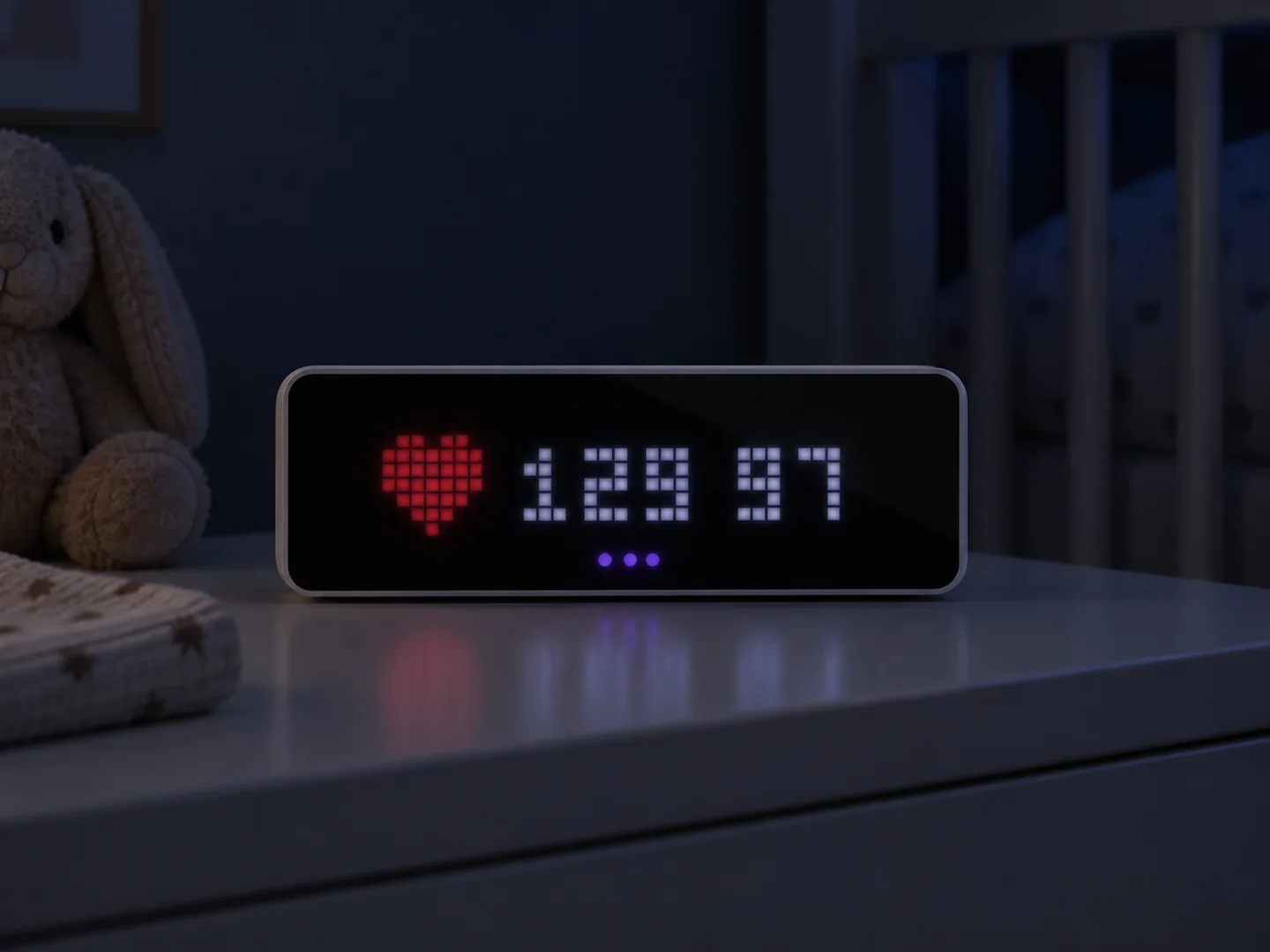
Automatic dimming for darker rooms.
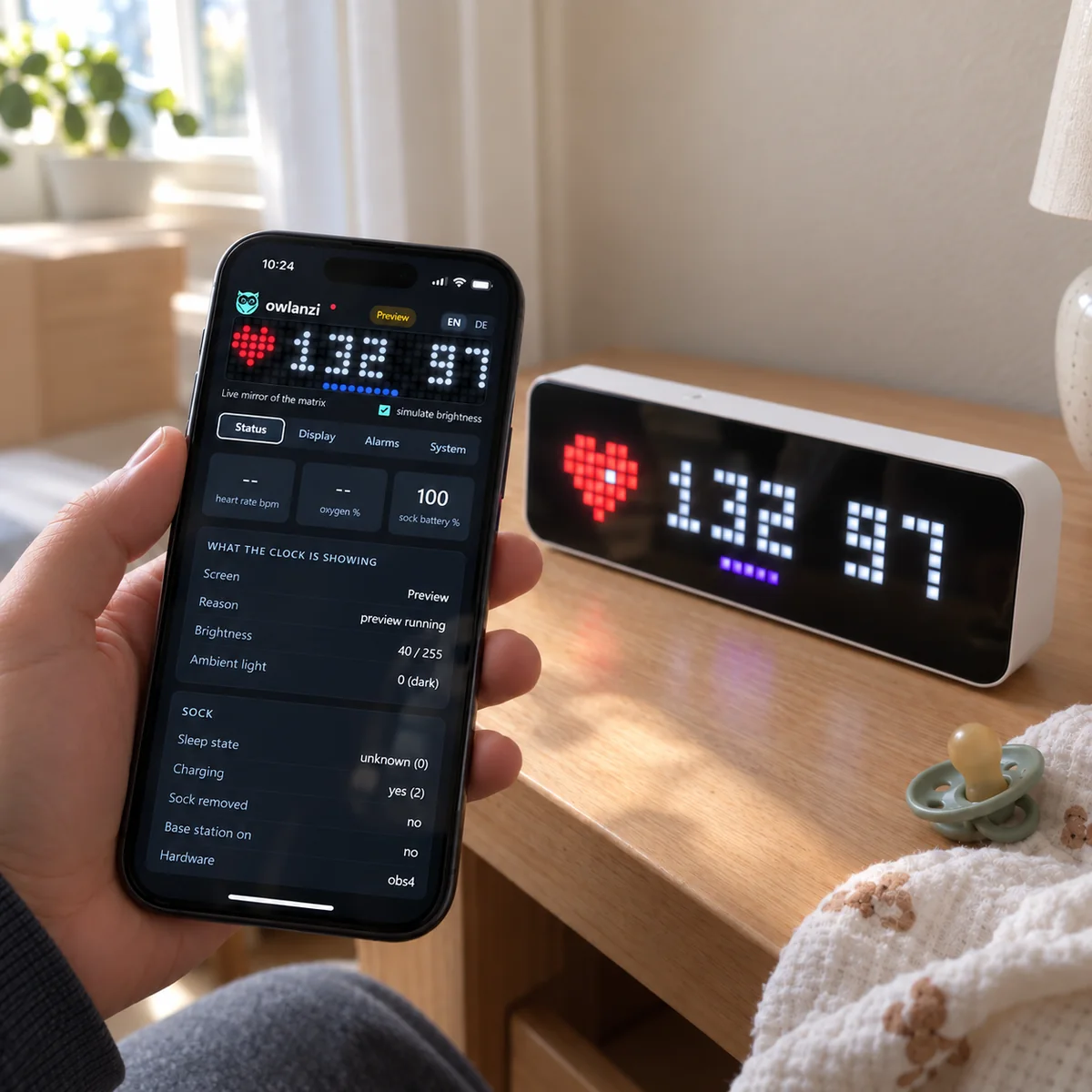
Adjust colours and brightness in your browser.
Product visualisations with example readings. Display content and available data depend on the device and Owlet cloud.
Regular updates of heart rate and oxygen saturation, with sleep and battery status where available.
Choose colours, brightness and dimming directly in your clock’s local web interface.
The Owlanzi software and web interface run on your clock. No additional Owlanzi server or account.
Made by a developer. Shared with everyone.
Owlanzi is an independent open-source project. No paywall, no subscription, no premium features. Just a small idea that might be useful to someone else, too. Feedback, suggestions and contributions are welcome.
Find the project on GitHubFor the software.
For every feature.
For everyone.
05 / Good to know
Here are the essentials before you set up your clock.
Read the documentationYes. With Owlanzi on a Ulanzi TC001 or TC002, you can read available values from your supported sock without opening the app for each glance. The clock needs Wi-Fi and access to the Owlet cloud. Keep using the Owlet app and Base Station for setup, notifications and normal Owlet operation.
Yes. The developer has successfully tested Owlanzi with an Owlet Dream Sock in the Europe account region. This confirms that combination; other regions and models are not automatically confirmed. See the compatibility table for the documented test status.
Model and region test status →No. Owlanzi runs as firmware on TC001 or as an app on TC002 and retrieves readings directly from the Owlet services. No Home Assistant server, MQTT broker or Raspberry Pi is required. On TC001, USB installation replaces any existing AWTRIX firmware.
No. The display shows available sock readings such as heart rate, oxygen saturation and status. It does not stream video or audio from an Owlet Cam or Dream Sight.
A Ulanzi TC001 or TC002, 2.4 GHz Wi-Fi with internet and a supported Owlet sock already set up with its base station and Owlet account. For TC001, you need a USB-C data cable and Chrome or Edge on your computer. For TC002, use the desktop installer for Windows, Mac or Linux on the same home network. After setup, you can control either clock in a browser, including on your phone. TC001 guide · TC002 guide
Owlanzi uses the readings available through your Owlet cloud account. The Owlanzi software offers Europe and Rest of World account regions, but this is not a guarantee for every model, account or region. The developer has successfully tested Dream Sock in the Europe account region. A complete confirmed list for other models and regions is not yet available.
Compatibility details ↗No. The preview runs entirely in your browser using example data. It reproduces the selected clock’s layout and font: 32 × 8 pixels for TC001 or 52 × 16 for TC002, with brighter colours for easier viewing, but does not connect to an Owlet account or a Ulanzi clock. The alarm example is silent and omits flashing corner pixels.
For USB installation, use a computer with a Web-Serial-capable browser, such as Chrome or Edge. This page checks support automatically. You can then use your phone to configure Wi-Fi, your Owlet account and the display.
Your credentials are stored on the clock. For login and readings, the Owlanzi software connects to the necessary Google, Owlet and Ayla services. This website receives neither your Owlet credentials nor readings. The settings interface is local; fully offline operation is not possible.
Owlanzi tries to indicate missing or stale data and connection problems. Wi-Fi, cloud services and Owlanzi software can still fail or deliver delayed readings. Continue using the Owlet app and base station. Owlanzi is not reliable medical monitoring or an alarm source.
Yes, using the AWTRIX USB web flasher ↗. This replaces the firmware and partition table. Do not use Owlanzi’s OTA update field for this. Save any important settings first; flashing erases them.
Yes. All Owlanzi software is free. You only need your own hardware. Supporting the project is completely optional, unlocks no extra features and is never required.
Discord community
Whether you’re setting up, using Owlanzi or sharing a new idea: our users help each other on Discord. I’m there as the developer to help too.
Ask questions. Share tips. Help each other.
Only if you’d like to
Buying hardware? If you buy through one of my affiliate links, I receive a commission that supports Owlanzi. You can also support me directly on Ko-fi. Every feature stays free for everyone.
Glad you’re using Owlanzi! If you’d like to make my day, you can buy me a beer or coffee on Ko-fi. It helps support development and puts a big smile on my face for the next evening of coding. 😊
Buy me a beer · Ko-fiEntirely optional. All features remain free.
Continue to setup ↗